Academic Company Events NI Developer Zone Support Solutions Products & Services Contact NI MyNI

Document Type: Tutorial
NI Supported: Yes
Publish Date: Sep 6, 2006


Feedback


Yes No

Related Categories

Related Links - Developer Zone

Related Links - Products and Services

GPIB Controllers

63 ratings | 3.38 out of 5
Print

Overview

This document introduces you to the General-Purpose Interface Bus (GPIB) Controller, and the different interfaces available for GPIB communication.

GPIB Controllers

The GPIB consists of one or more interface boards and one or more instruments. The interface boards are GPIB controllers, which govern the flow of information on the bus. They do this by commanding instruments to talk or listen and responding to service requests from devices. There can be more than one GPIB controller on the bus, but only one can be active controller, or Controller-In-Charge (CIC) at any given time. A GPIB controller can pass control of the bus from itself to another controller on the bus, but only one controller (system controller) has ultimate control of the bus. Only the System Controller, usually a GPIB interface, can make itself the CIC by asserting IFC (Interface Clear), one of five GPIB interface managment lines. It is responsible for overall bus management.

Types of Interfaces


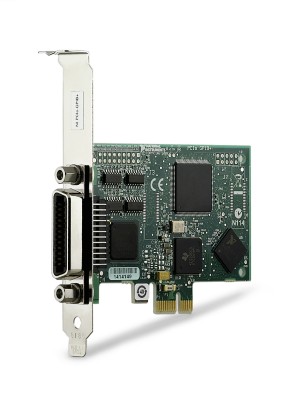
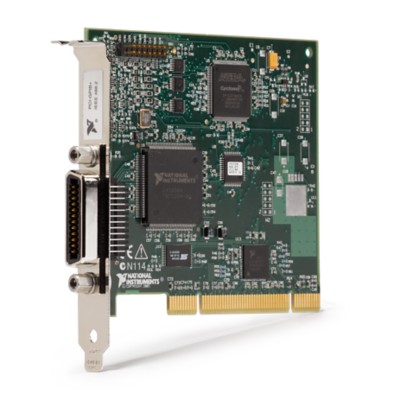
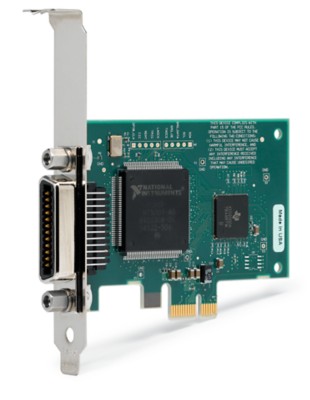
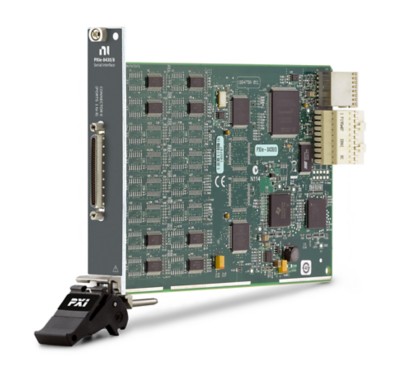
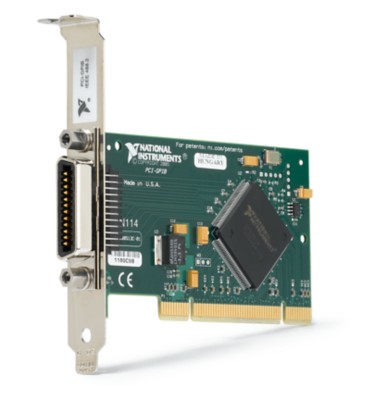
National Instruments makes several plug-in GPIB interface boards for the traditional computer buses: ISA, PCI, PCMCIA, and so on. Usually, you only have one GPIB interface board per computer. However, you can have several boards if you want to control more instruments (the limit is 14 instruments per System Controller).

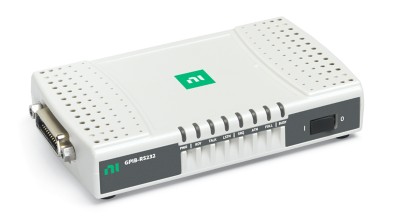
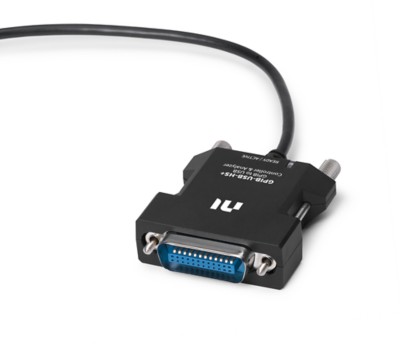
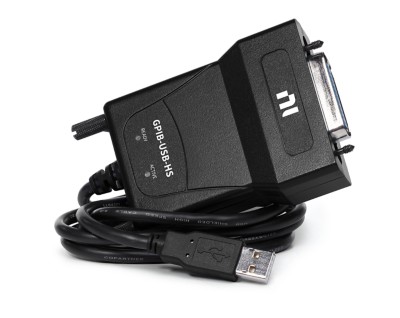
In addition to these interfaces, GPIB controllers can escape the confines of the computer case and find their way into the realm of the Ethernet, parallel, serial, USB, and FireWire ports. These alternative GPIB interfaces have all the functionality of plug-in GPIB interfaces, and they greatly expand the flexibility of your applications.
See Also:
Alternative GPIB Interfaces

Controllers versus Converters


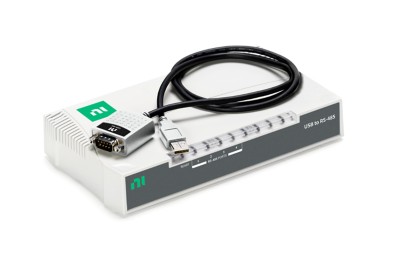
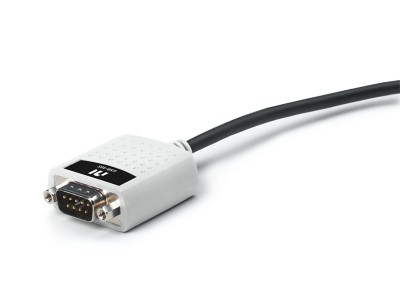
Whereas a GPIB controller governs bus communications, a GPIB converter simply translates the data from one bus type to another. For example, the GPIB-232CV-A (the GPIB to RS-232 serial converter) translates serial commands to GPIB commands. Most of the alternative GPIB interfaces are converters and controllers. Only the GPIB-232CV-A is a converter only.

Most converters act like a two-way street: They can convert from GPIB to the alternative interface and vice versa. For example, with the GPIB-485CT-A (the GPIB to RS-485 serial controller), you can use the RS-485 port on your computer to communicate with a GPIB instrument, or you can connect an RS-485 instrument to an existing GPIB bus. In the first case, the GPIB-485CT-A has all capabilities of a full GPIB controller (for example, you can control up to 14 instruments with it), but in the second case, the GPIB-485CT-A works with a single RS-485 instrument to make it look like a GPIB instrument.

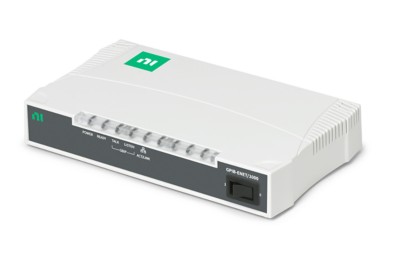
Exceptions to this two-way street concept are the GPIB-USB, the GPIB-1394, and the GPIB-ENET, which can only be used with GPIB instruments. For example, the GPIB-ENET allows you to control up to 14 GPIB instruments through an Ethernet connection, but you cannot control even one Ethernet instrument through a GPIB connection.
63 ratings | 3.38 out of 5
Print

Reader Comments | Submit a comment »

CiC and System Controller it's not the same!
Controler in Charge (CiC) is the controller which is currently active. This controller can pass control over GPIB bus to another idle one which will become CiC. System Controller is the "ultimate" one. Only it has a right to make itself CiC, asserting IFC (Interface Clear) one of five GPIB interface managment lines.
- mini, PS. pmienk@yahoo.com - Jul 25, 2001

Very helpful information!
I followed well the explanations towards the top of the page, but became a little lost towards the part explaining converters vs. controllers. I was trying to learn some general knowledge for GPIB and the information was quite helpful. Thankyou.
- Jun 28, 2001


Legal
This tutorial (this "tutorial") was developed by National Instruments ("NI"). Although technical support of this tutorial may be made available by National Instruments, the content in this tutorial may not be completely tested and verified, and NI does not guarantee its quality in any way or that NI will continue to support this content with each new revision of related products and drivers. THIS TUTORIAL IS PROVIDED "AS IS" WITHOUT WARRANTY OF ANY KIND AND SUBJECT TO CERTAIN RESTRICTIONS AS MORE SPECIFICALLY SET FORTH IN NI.COM'S TERMS OF USE (http://ni.com/legal/termsofuse/unitedstates/us/).