What is Measurement Studio?
Table of Contents
Overview
National Instruments Measurement Studio is an integrated suite of measurement and automation controls, tools, and class libraries for Visual Studio 2005, Visual Studio .NET 2003, and Visual Studio 6.0. NI Measurement Studio dramatically reduces application development time with ActiveX and .NET controls, object-oriented measurement hardware interfaces, advanced analysis libraries, scientific user interface controls, measurement data networking, wizards, interactive code designers, and highly extensible classes.
Building on more than 20 years of measurement programming expertise, National Instruments created Measurement Studio with tools designed specifically for Microsoft Visual Basic, Visual C# .NET, and Visual C++ to bring you simplified integration with data acquisition and instrument control interfaces for easier hardware integration. With Measurement Studio, you use your Visual Studio programming knowledge to get measurements started quickly and create a complete measurement solution - all the way from acquiring to analyzing to presenting.

Measurement Studio for Microsoft Visual Basic and Visual C#
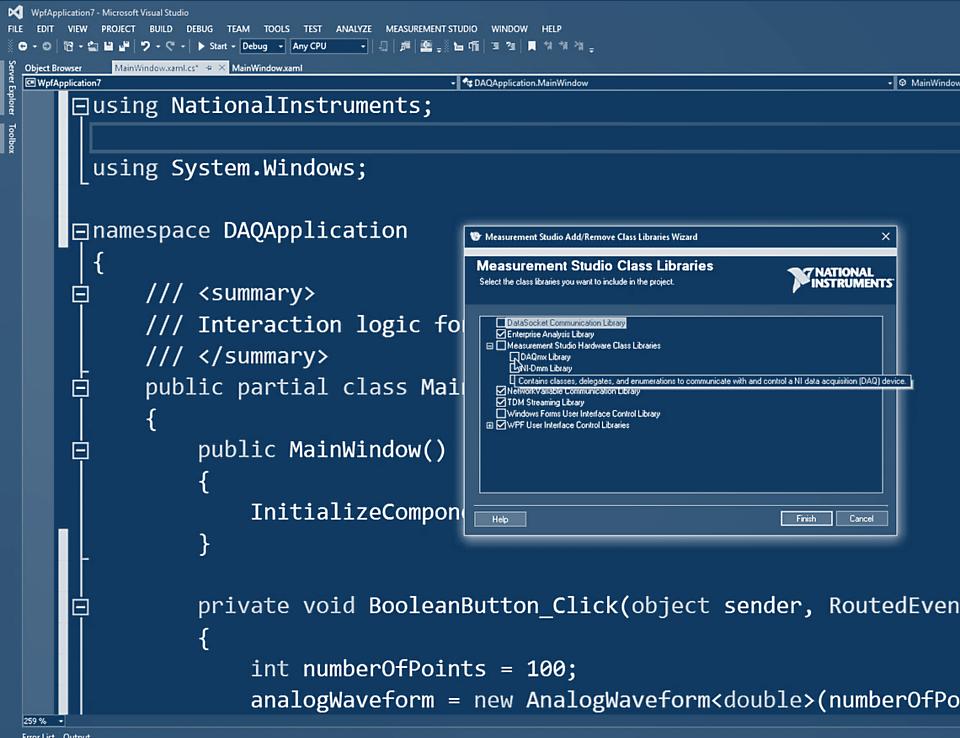
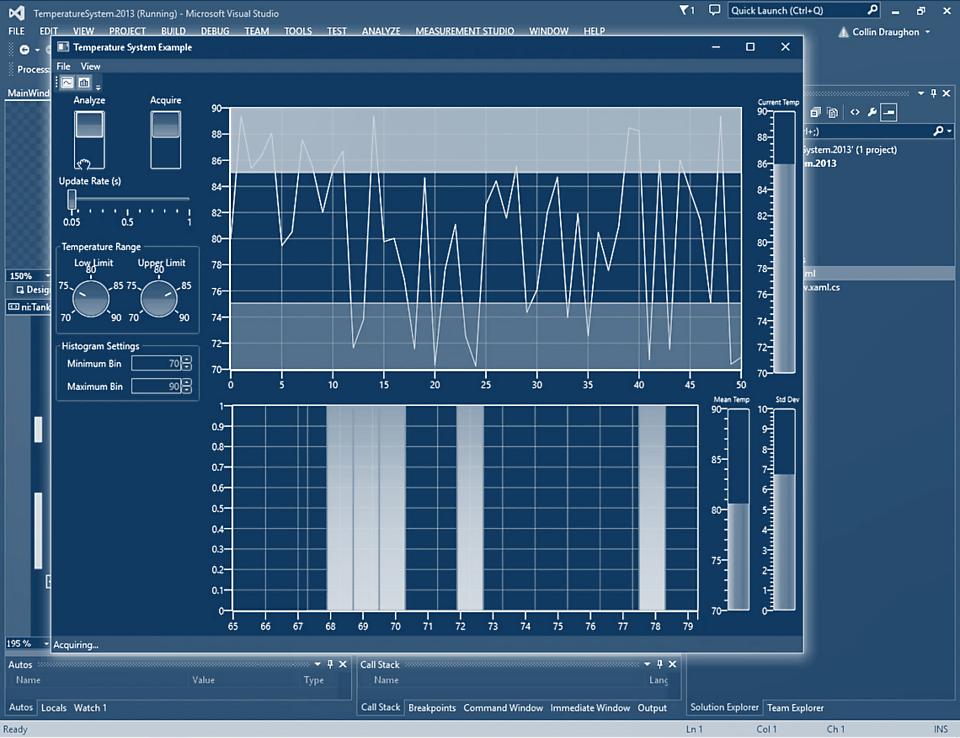
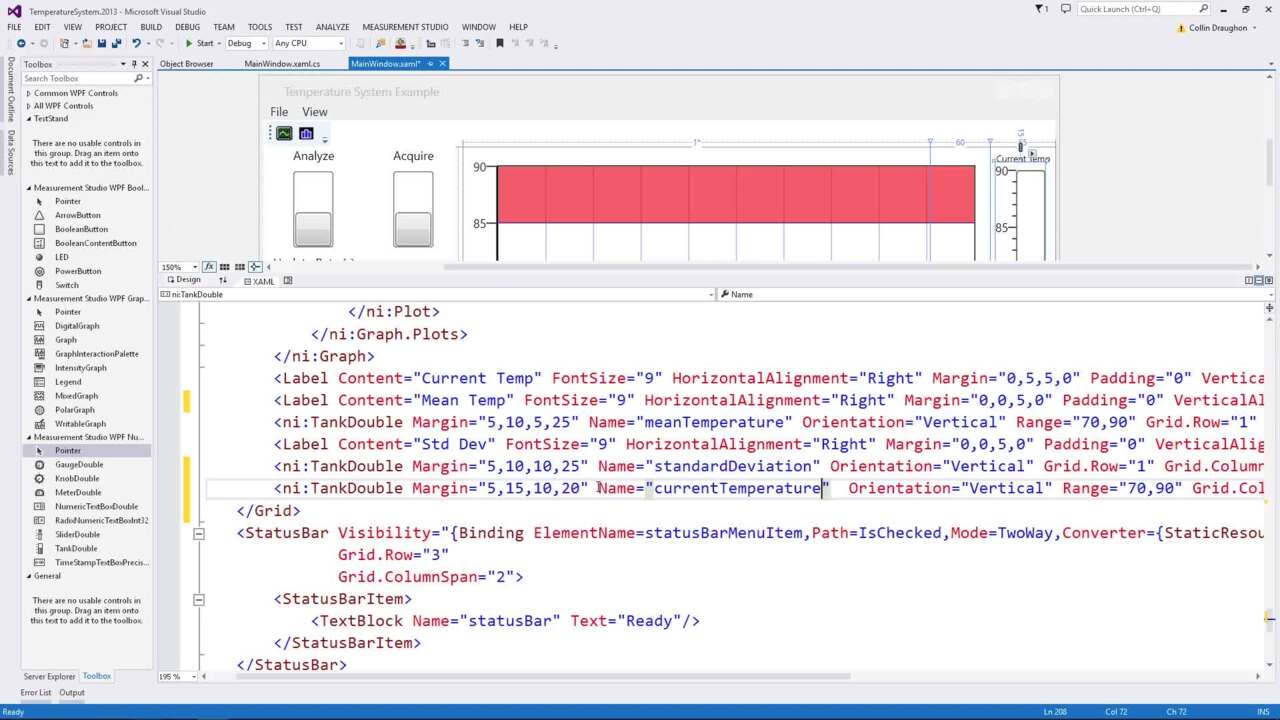
Measurement Studio provides a collection of managed NET controls tightly integrated within the Visual Studio 2005 and Visual Studio .NET 2003 environments that are designed specifically for engineers and scientists building virtual instrumentation systems. With Measurement Studio, you can configure plug-in data acquisition devices, GPIB instruments, and serial devices from interactive wizards that also generate Visual Basic .NET or Visual C# .NET source code. With scientific user interface controls for Web and Windows Forms, you can interactively configure graphs, knobs, meters, gauges, dials, tanks, thermometers, binary switches, and LEDs from property pages or collection editors. In addition, Measurement Studio delivers powerful networking components so you can easily share live measurement data between applications via the Internet.
See Also:
Measurement Studio for Visual C# .NET Home Page
Measurement Studio for Visual Basic .NET Home Page
Measurement Studio for Microsoft Visual C++ .NET (MFC)
Measurement Studio delivers an interactive design approach for developing measurement and automation systems inside Visual C++ (Visual Studio 2005 and Visual Studio .NET 2003). Because the tools for Visual C++ integrate into the environment, you can use them exactly as you would native Microsoft tools. You can use the Measurement Studio AppWizard together with controls and class libraries to easily create your C++ measurement system. The AppWizard creates a project according to your specifications and includes a code template and the measurement tools you need to design your application. These tools include C++ classes for instrument control, data acquisition, data analysis, and live data transfer across the Internet. In addition, custom controls are included for creating your measurement user interface. Data object classes, which seamlessly encapsulate and pass data from acquisition to analysis to presentation, link the measurement classes to the interface controls.
See Also:
Measurement Studio for Visual C++ .NET (MFC) Home Page
Measurement Studio Support for Visual Studio 6.0
The Measurement Studio Enterprise and Professional editions continue to offer ActiveX controls and class libraries for development in Visual C++ 6.0 and Visual Basic 6.0. With interactive ActiveX properties pages, you can graphically configure your data acquisition and instrument control applications for analog input and output, digital I/O, GPIB, VISA, and much more. Scientific analysis libraries include routines like Fast Fourier transforms, spectral measurements, and array manipulation. Also, the of ActiveX user interface controls included with Measurement Studio are designed specifically to allow you to create virtual instrumentation systems that look and feel like real-world instrumentation.
See Also:
Measurement Studio for Visual C++ 6.0 Home Page
Measurement Studio for Visual Basic 6.0 Home Page
ASP.NET Web Development
Measurement Studio includes a suite of ASP.NET Web controls designed specifically for use in Visual Studio 2005. These controls include graphs, gauges, knobs, dials, tanks, LEDs, and thermometers that enable you to create interactive and dynamic Web pages, ideal for remote monitoring and control applications. Measurement Studio also includes an auto-refresh control to automatically update the values of your Web controls. Since ASP.NET does not require any runtime engines on Web clients, your Web pages can be displayed from any browser or operating system.

See Also:
View the ASP.NET Demonstration Gallery
Development Tools
Efficient Development
With shorter project development time and diverse developer skills, you often do not have time to train the team to learn a new development language. Measurement Studio provides the tools in one package to take advantage of existing programming knowledge and to target the language you know. You have the flexibility to choose Visual Basic .NET, Visual C# .NET, Visual C++ .NET (MFC), Visual Basic 6.0, or Visual C++ 6.0. Regardless of the language you choose, Measurement Studio provides the reusable tools to make your programming tasks easier.

Extensible Components and Classes

The architecture of off-the-shelf components is critical in determining the amount of customization possible with a control or class library. The Measurement Studio classes and user interface controls were designed to maximize their customization. By using the Measurement Studio component base classes as a foundation for extensibility, you can easily inherit from and extend the classes to create customized classes and controls such as a custom graph or proprietary I/O bus communication.
The user interface controls, for example, enable full customization of plot drawing, point and line styles, and graph borders. The Boolean controls allow style and behavior extensions. For hardware customization, you can easily derive from the GPIB, VISA, or DAQ interfaces to create your own custom hardware interfaces while using the robust Measurement Studio hardware base classes.
Accurate Measurements

National Instruments software, including Measurement Studio, ensures accurate measurements through virtual instrumentation. By providing robust interfaces to hardware, you can use the full power of flexible, modular hardware devices that take advantage of the latest innovations in commercial technologies such as processors, memory, and A/Ds that deliver highly competitive price-to-performance gains. Using NI software with modular hardware devices, engineers can achieve higher performance and more accurate instrumentation than by using vendor-defined stand-alone instruments that are difficult or impossible to customize. Using flexible software such as Measurement Studio to define high-performance hardware helps engineers build extremely competitive solutions that not only cost less in the short term, but are flexible enough through software to adapt to changing needs for the long term.
The Measurement Studio data acquisition interface, for example, has a wizard-like, interactive interface, the DAQ Assistant, for selecting sampling rates, triggering, timing, clock selection, scaling, signal types, and other robust configurations, at the same time providing optimal single-point acquisition and multithreaded performance. These new optimizations deliver 10 to 20 times greater performance than previous data acquisition interfaces. The tight integration between Measurement Studio and I/O hardware drivers yields the most efficient, productive way for engineers performing acquisition and instrumentation applications to take measurements and significantly decrease development time.
Interactive Configuration

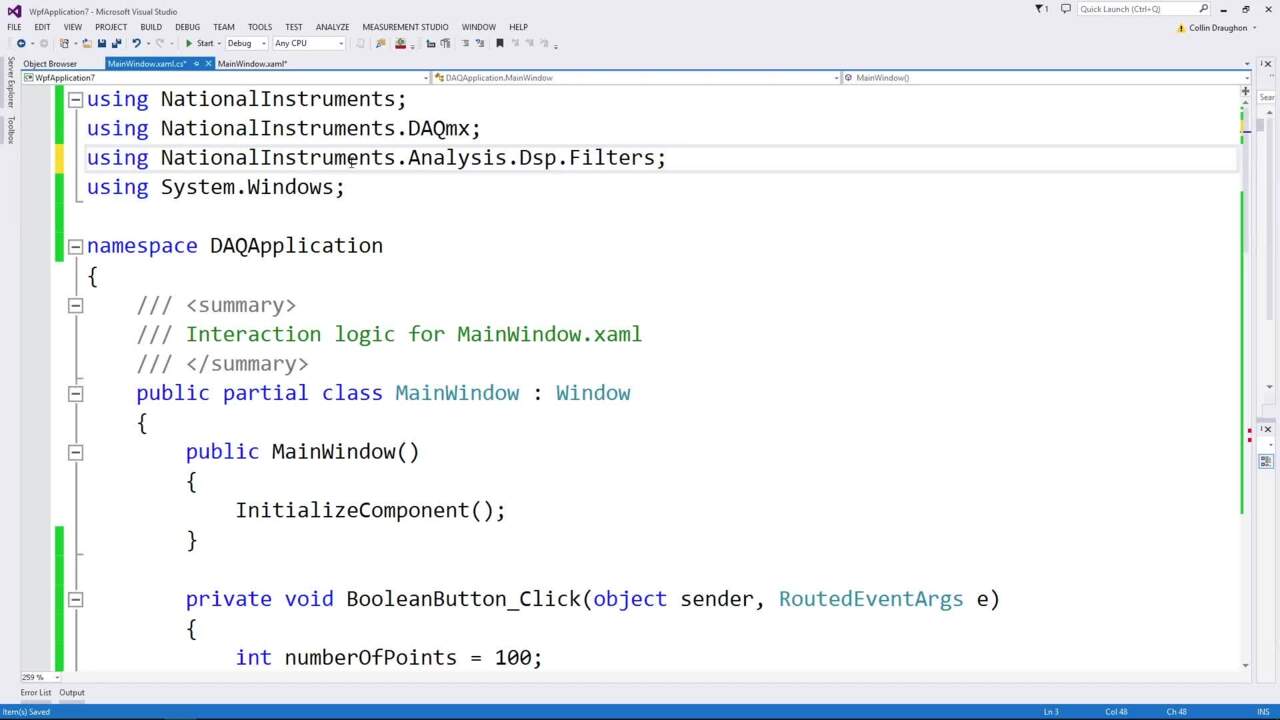
Measurement Studio streamlines data acquisition and instrument connectivity capabilities with interactive measurement tools. The DAQ Assistant and Instrument I/O Assistant are .NET designers that include step-by-step guides for configuring, testing, and programming measurement tasks; they automatically generate code for low-level customization. With the DAQ Assistant, you can quickly configure your data acquisition tasks to include custom timing, scaling, and triggering with no programming. With the Instrument I/O Assistant, you can communicate directly with your GPIB, Ethernet, USB, serial, PXI, and VXI instruments. Use this interactive wizard to prototype your instrument control system, take quick measurements, automatically parse data, generate code, and even develop simple instrument drivers.
Data Acquisition and Instrument Control

The data acquisition functionality includes:
· Built-in channel configuration of scaling raw data
· High-speed waveform acquisition and generation for single shot and continuous
· Accurate and fast single-point analog and digital I/O
· Counter/timer I/O for pulse generation, event counting, and duration measurements
These I/O capabilities, combined with special data types and measurement analysis class libraries, are specifically designed to get the data or measurement you need from your physical sensors as quickly and easily as possible.
Measurement Studio simplifies the task of connecting to and communicating with a wide variety of instruments. With the Measurement Studio interfaces, you can quickly acquire data from GPIB, USB, serial, Ethernet, PXI, and VXI instruments using the built-in instrument I/O libraries or using built-in instrument drivers.
· Easily integrate GPIB, serial, PXI, Ethernet, and VXI instruments into your test application
· Communicate with hundreds of instruments from more than 150 vendors with instrument drivers
· Increase performance and portability with device-driver software
Data Analysis
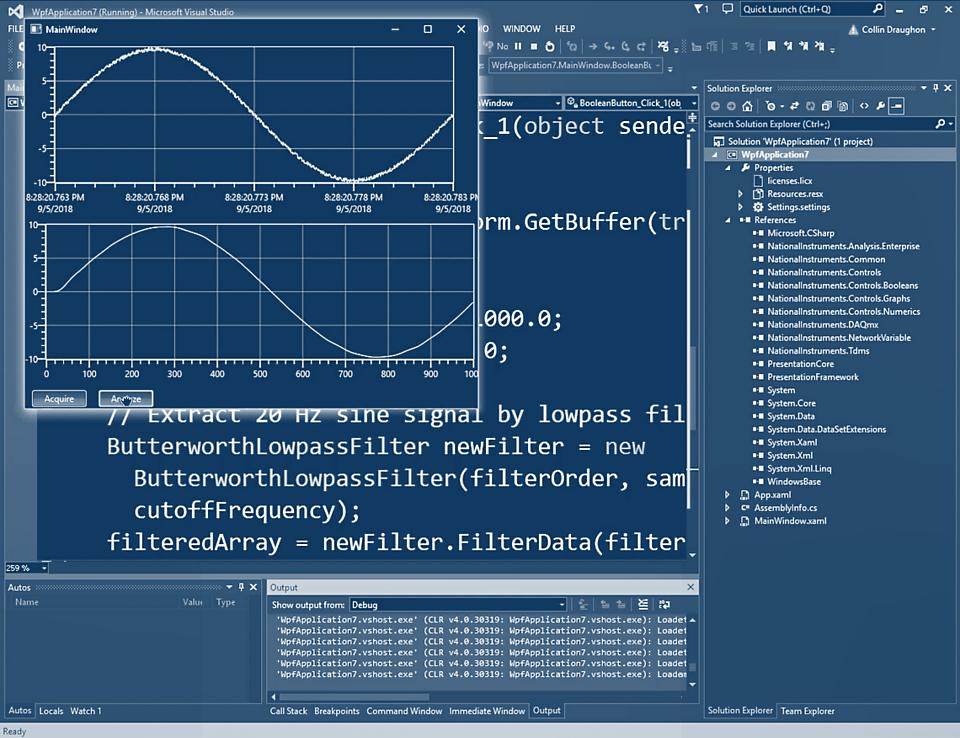
Measurement Studio delivers a full spectrum of analysis functions to convert raw data into meaningful information. With Measurement Studio analysis interfaces, you can employ a wide variety of signal processing and data analysis tools, such as curve fitting, spectral analysis, statistics, and visualization. Because you can perform analysis inside your application, you can integrate more intelligent data processing before storing or presenting the information.

Presentation
Create professional measurement and automation graphical user interfaces (GUIs) for Windows and Web applications without spending months on development. Measurement Studio delivers measurement-specific user interface components that you can drag, drop, and extend to create a custom interface to your measurement applications. These controls include buttons, knobs, slides, gauges, tanks, dials, and graphs. Because the Measurement Studio controls are extensible, the user interface components empower you to present data in a more informative manner than vendor-defined box instruments.

User Interface Design-Time Productivity
Whether you are using ActiveX or .NET controls, Measure Studio includes productivity features that allow you graphically interact with your user interfaces. The .NET controls include auto format menus, editors, and property page enhancements. Auto format menus allow you to quickly choose from predefined property formats. Editors are included for components like plots, annotations, and axes, allowing you interactively add and edit your user interface controls. Property page enhancements include arc editors and graphical representations of user interface styles. For ActiveX controls, Measurement Studio provides interactive property pages to allowing quick configuration of the look and feel of your user interfaces.

Networking/Internet Connectivity
Whether you are passing data between applications or passing data over the Internet, Measurement Studio makes sharing measurement data easy. With network variables, a programming tool designed specifically for publishing and subscribing to live data in measurement and automation applications, you can share live data with one or more client applications on a network without worrying about data formats or network protocols.
See Also:
Webcast: Create Remote Monitoring Web Applications with Network Variables
Related Links:
See the Latest Measurement Studio Pricing Information
Evaluate Measurement Studio 8.1
Measurement Studio Home Page
Reader Comments | Submit a comment »
Legal
This tutorial (this "tutorial") was developed by National Instruments ("NI"). Although technical support of this tutorial may be made available by National Instruments, the content in this tutorial may not be completely tested and verified, and NI does not guarantee its quality in any way or that NI will continue to support this content with each new revision of related products and drivers. THIS TUTORIAL IS PROVIDED "AS IS" WITHOUT WARRANTY OF ANY KIND AND SUBJECT TO CERTAIN RESTRICTIONS AS MORE SPECIFICALLY SET FORTH IN NI.COM'S TERMS OF USE (http://ni.com/legal/termsofuse/unitedstates/us/).