NI-DAQmx Installed Documentation on Microsoft Windows
Contents
- Overview
- NI-DAQmx Help
- NI-DAQmx C Reference Help
- NI-DAQmx Visual Basic Help
- Measurement & Automation Explorer (MAX) Help
- DAQ Assistant Help
- Additional MAX Help Topics
- Additional Resources
Overview
NI-DAQmx puts several help documents on your system when it is installed. These help documents are a great way to get started learning about measurement fundamentals in NI-DAQmx, hardware installation, hardware troubleshooting, and NI-DAQmx programming in different environments.
NI-DAQmx Help
The NI-DAQmx Help is the best resource to help you get familiar with NI-DAQmx and measurement concepts. It gives thorough explanations NI-DAQmx concepts like Tasks, Channels, and Scales. It also has a lot of great information about different signal types and how you can measure them using your data acquisition hardware and NI-DAQmx.
The NI-DAQmx Help can be found under Start >> Programs >> National Instruments >> NI-DAQ
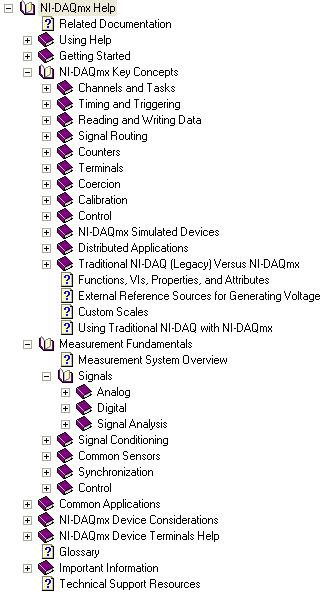
Figure 1: NI-DAQmx Help
NI-DAQmx C Reference Help
The NI-DAQmx C Reference Help is the best source of information when programming an NI-DAQmx application in a text based environment. It provides explanations for all NI-DAQmx functions and properties.
The NI-DAQmx C Reference Help can be found under Start >> Programs >> National Instruments >> NI-DAQ
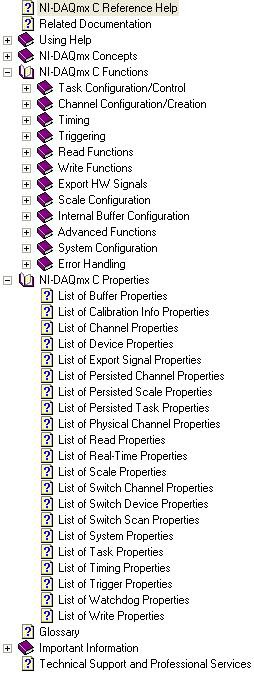
Figure 2: NI-DAQmx C Reference Help
NI-DAQmx Visual Basic Help
The NI-DAQmx Visual Basic Help describes the caveats that apply when working with NI-DAQmx in Visual Basic. The function names in the NI-DAQmx C API and the NI-DAQmx Visual Basic 6.0 API are identical. Use the NI-DAQmx C Reference Help to look up the descriptions of the NI-DAQmx functions in the NI-DAQmx Visual Basic 6.0 API.
The NI-DAQmx C API Visual Basic 6.0 Help can be found under Start >> Programs >> National Instruments >> NI-DAQ
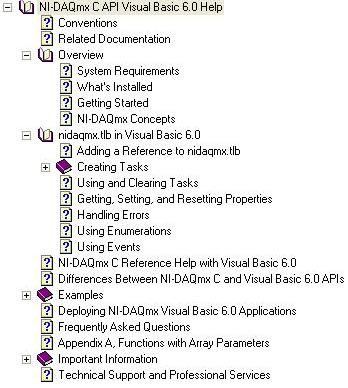
Figure 3: NI-DAQmx Visual Basic Help
Measurement & Automation Explorer (MAX) Help
The Measurement & Automation Explorer Help provides useful information for configuring devices, tasks and channels within MAX. It also describes how you can create reports on your system and import/export configurations.
The Measurement & Automation Explorer Help can be found from within MAX by clicking Help >> MAX Help (or by pressing F1 from within MAX).
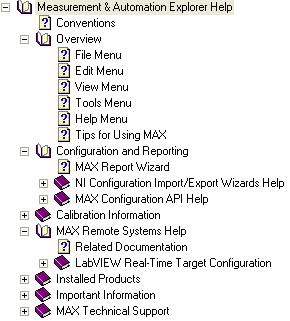
Figure 4: Measurement & Automation Explorer Help
DAQ Assistant Help
Within MAX you also have access to the DAQ Assistant Help. This help file explains how you an use the DAQ Assistant to create NI-DAQmx channels and tasks. It also explains how you can use the DAQ Assistant to automatically generate LabVIEW code.
The DAQ Assistant Help can be found from within MAX by clicking Help >> Help Topics >> NI-DAQmx >> DAQ Assistant
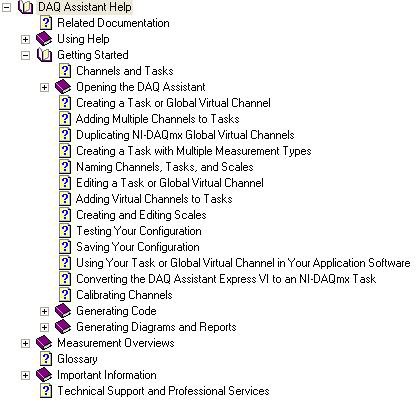
Figure 5: DAQ Assistant Help
Additional MAX Help Topics
There are several other help topics available from within MAX. These include the DAQ Getting Started Guide, PXI Help, Remote Systems Help and VI Logger Help.
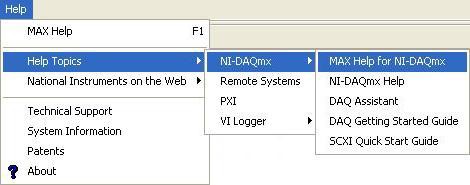
Figure 6: Additional MAX Help Topics